

Back to blog
Filter by:
Tags
- Knowledge
- technology
- OOP
- Tips
- Programming
- Tips
- Tutorial
- SEO
- Ranking
- Knowledge
- Special Day
- Seo
- Bug
- Data science
- Seo
- artificial intelligence
- Machine Learning
- Robotics
- happyNewYear2021
- newYearEve
- 2021
- Automation
- Smart Home
- Career
- Best Practices
- Git
- Logging
- Web Fundamentals
- DNS
- HTTPS
- Performance
- AI Tools
- ChatGPT
- Claude
- Gemini
- Laravel
- Eloquent
- MySQL
- HTTPS
- TLS
- Web Security
- Certificates
- Developer Life
- Debugging
- Docker
- DevOps
- Transactions
- Queues
- LLMs
- AI
- AI Coding
- Developer Tools
- React Native
- Expo
- Kate PMS
- Mobile Apps
- Laravel
- Authentication
- Sanctum
- Cookies
- API Design
- Payments
- Idempotency
- DeepSeek
- Open Source AI
- LLMs
- AI News
- Git
- Version Control
- AI Coding
- Prompting
- PHP
- Checklist
- MCP
- AI Agents
- OpenAI
- Architecture
- Microservices
- Modular Monolith
- Estimation
- Developer Life
- Project Planning
- Humour
- OAuth
- OpenID Connect
- Authentication
- Embeddings
- Vector Search
- RAG
- pgvector
- OpenAI
- GPT-4.1
- Codex CLI
- Events
- Testing
- Clean Code
- Maintainability
- Code Review
- Webhooks
- API
- Security
- Claude Code
- Workflow
- AI
- LLM
- Prompt Injection
- Mobile
- React
- Networking
- TCP
- UDP
- HTTP/3
- CLAUDE.md
- AWS
- Cloud Security
- Backups
- PHPUnit
- Software Engineering
- Leadership
- Communication
- RAG
- Embeddings
- AI Engineering
- IT Infrastructure
- Networking
- Access Control
- CI/CD
- GitHub Actions
- Gemini CLI
- Claude Code
- JavaScript
- Async/Await
- Node.js
- Promises
- Security
- Cryptography
- Passwords
- MySQL
- Database
- Vibe Coding
- Software Quality
- DNS
- Code Reading
- Onboarding
- Productivity
- Background Jobs
- Developer Humour
- Estimates
- Dev Life
- JWT
- o3-mini
- DeepSeek R1
- Rate Limiting
- Kate PMS
- E-Signing
- Audit Trail
- REST
- GraphQL
- API Design
- Laravel 12
- Upgrade Guide
- Open Source
- Self-Hosting
- Task Scheduling
- Cron
- Secrets
- CORS
- PHP
- PHP-FPM
- OPcache
- GitHub Copilot
- Software Architecture
- Engineering
- TypeScript
- JavaScript
- Type Safety
- AI Security
- React Native
- Product Design
- AI Agents
- Kiro
- Queues
- Redis
- RabbitMQ
- AWS SQS
- Nginx
- Apache
- GPT-5
- gpt-oss
- Clean Code
- Architecture
- Naming
- Documentation
- Career
- ADR
- Teamwork
- Supply Chain
- Kate HRM
- HR Software
- Permissions
- System Design
- Pagination
- SSH
- Linux
- Big O
- Databases
- Laravel Boost
- MCP
- Developer Skills
- Validation
- Databases
- Indexes
- Code Quality
- Deployment
- Developer Humour
- Feature Flags
- Code Review
- Pull Requests
- Docker
- Cursor
- Authorization
- RBAC
- Gemini
- Long Context
- PHP 8.4
- Caching
- Dependency Injection
- Web Performance
- Browser
- CSS
- Database
- Migrations
- ChatGPT
- AI for Developers
- Monitoring
- On-Call
- REST
- Backend
- SQL
- NoSQL
- Database Design
- Coding Agents
- Claude 4
- API Resources
- REST API
- Load Balancing
- Scaling
- AWS
- AI Tools
- Claude
- Sora 2
- CTE
- 2FA
- TOTP
- Programming Languages
- Prompts
- Developer Workflow
- API Gateway
- APIs
- Passport
- API Auth
- Learning
- Burnout
- Developer Growth
- Web Development
- SEO
- Kate Mall
- ChatGPT Atlas
- Agent Skills
- Middleware
- Laravel 12
- Collections
- Context Window
- Monitoring
- Commit Messages
- Self Review
- Growth
- Regex
- Programming Basics
- Text Processing
- Database Design
- Normalization
- Linux
- Server Security
- Linux Foundation
- Open Standards
- Legacy Code
- Documentation
- AI Workflow
- File Uploads
- Test Data
- Hashing
- Performance
- Caching
- Enums
- Scope Creep
- Estimation
- Codex
- Gemini CLI
- Timezones
- Carbon
- Bugs
- PHP 8.5
- Gemini 3
- GPT-5.1
- Data Integrity
- Event Loop
- Async
- Opus 4.5
- AI Models
- React
- Forms
- Frontend
- Backups
- AI Images
- DALL-E
- Midjourney
- Race Conditions
- Concurrency
- Legacy Code
- Refactoring
- Senior Engineer
- Scope
- LLM
- CDN
- Web
- Sub-Agents
- Soft Deletes
- Audit Log
- Concurrency
- AI Learning
- NestJS
- AI Evals
- Policies
- SPF DKIM DMARC
- Unicode
- UTF-8
- Knowledge Graph
- Value Objects
- Technical Debt
- Feature Flags
- Laravel Pennant
- Deployment
- Copilot
- Composer
- Dependencies
- Artisan
- Automation
- AWS S3
- Object Storage
- Cloud
- Small Language Models
- Ollama
- Production
- Sessions
- HTTP
- Mentoring
- SQL
- Virtual Machines
- Web Development
- HTTP/2
- QUIC
- Web Performance
- AI Integration
- LLM API
- SOLID
- OOP
- Hosting
- Serverless
- Merge Conflicts
- Temperature
- AI Development
- Reverse Proxy
- Nginx
- Infrastructure
- Verification
- Passkeys
- WebAuthn
- Teams
- Communication
- Stakeholders
- Monorepo
- CI/CD
- Versioning
- JSON Schema
- Livewire
- Inertia
- Meetings
- Distributed Systems
- Privacy
- Full-Stack
- T-Shaped Skills
- Money
- Notifications
- Web Security
- HTTP Headers
- CSP
- Function Calling
- Load Testing
- k6
- Data Extraction
- Debugging
- WebSockets
- SSE
- Real-Time
- Laravel Reverb
- Infrastructure as Code
- Terraform
- Side Projects
- Laravel Pint
- OpenAPI
- Swagger
- UX
- Multimodal
- Jest
- Pair Programming
- APIs
- Rate Limiting
- Resilience
- Dev Humour
- Design Tokens
- JWT
- API Keys
- Sessions
- PHPStan
- Rector
- Incidents
- Reporting
- Dashboards
- Zero Trust
- IAM
- Search
- Laravel Scout
- Junior Developers
- Mentoring
- Images
- WebP
- AVIF
- Bug Reports
- Let's Encrypt
- Design Docs
- Software Design
- Observers
- Replication
- Accountability
- Data Structures
- Reliability
- LLM Memory
- Error Handling
- Payments
- Payment Gateway
- Webhooks
- PCI DSS
- Observability
- OpenTelemetry
- Personal Brand
- Writing
- Conventions
- Dates
- Scheduling
- Disaster Recovery
- Compression
- Brotli
- Deadlines
- Developer Habits
- State Machines
- Tech Roles
- UUID
- ULID
- Horizon
- Planning
- Engineering Culture
- Ownership
- Soft Skills
- Socialite
- Cost Control
- Collations
- Unicode
- Octane
- PostgreSQL
Categories
//Article title
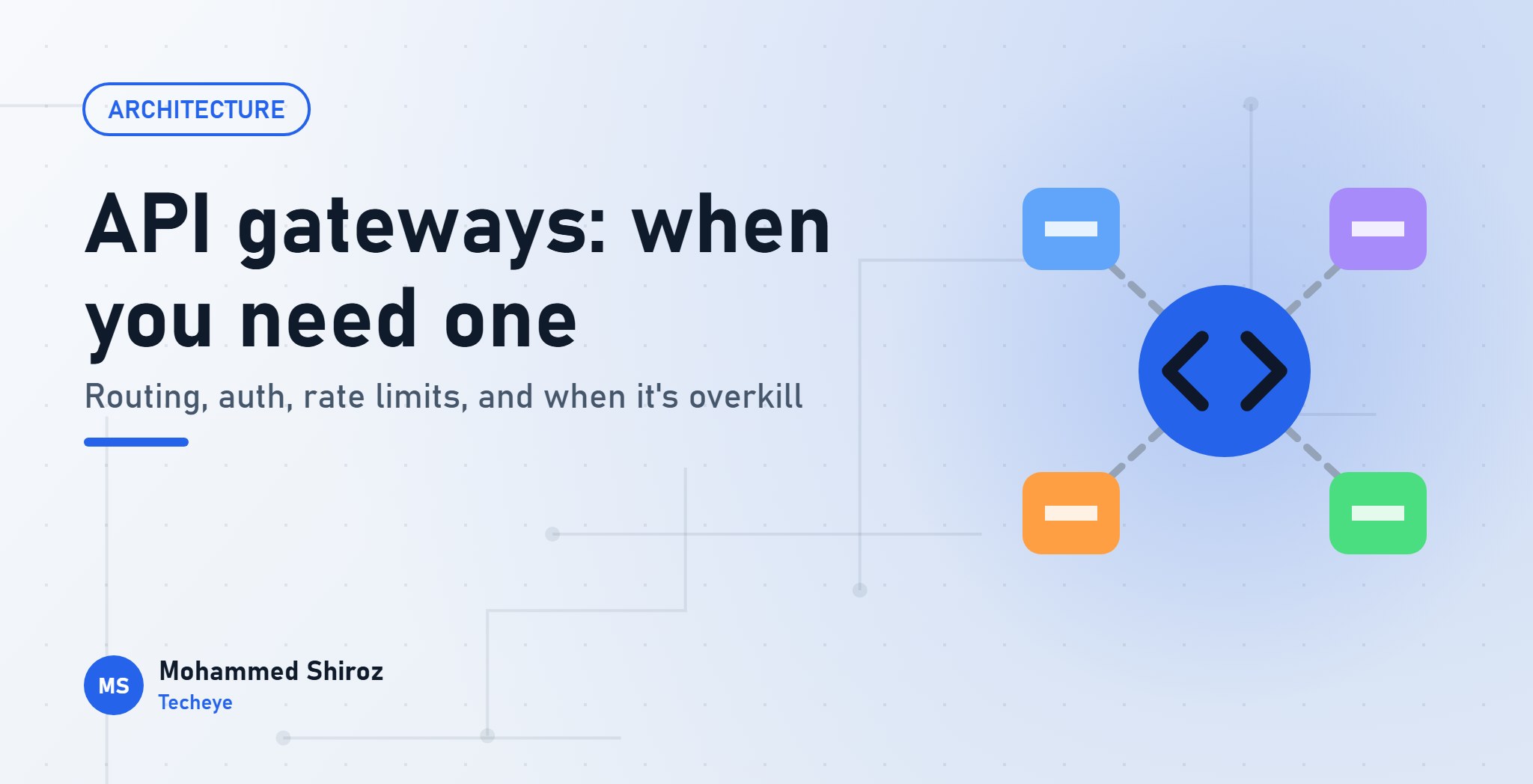
What Is an API Gateway, and When Do You Actually Need One?
About Post
Your app started as one backend. Then the mobile team needed a notifications service. Then billing became its own thing. Then someone added a search service, and now the React Native app is talking to four different hostnames, each with its own way of checking tokens and its own idea of rate limiting.
At some point someone in a meeting says the words "we need an API gateway". Sometimes they're right. Sometimes they've just added a fifth thing to maintain.
Let's look at what a gateway actually does, and how to tell which situation you're in.
The one-sentence version
An API gateway is a single front door for your APIs. Every client request goes to the gateway first, and the gateway decides where it goes, whether it's allowed in, and what happens on the way.
Think of the reception desk in a big office building. Visitors don't wander the corridors looking for the right department. They go to reception, show ID, get a badge, and are directed to the right floor. The departments don't each need a security guard at their door.
What a gateway does
1. Routing
The core job. Clients call one host, and the gateway forwards by path:
api.example.com/billing/*   →  billing-service
api.example.com/search/*    →  search-service
api.example.com/*           →  main-app
That sounds trivial, but it buys you a lot of freedom. You can split a service out of the monolith, move it to a different server or rewrite it entirely, and the mobile app never needs an update. The public URL is a contract; what's behind it is your business.
2. Authentication at the edge
Instead of every service validating tokens in its own way, the gateway checks the token once, rejects bad requests early, and passes trusted identity information to the services behind it (often as headers).
One caution: the services behind the gateway must only be reachable through the gateway. If they also accept traffic directly, anyone can send that "trusted" header themselves. And authentication at the gateway doesn't replace authorisation in the service. The gateway knows who you are; only the billing service knows whether you're allowed to see this invoice.
3. Rate limiting and quotas
A single place to say "100 requests per minute per API key" or "the free plan gets this much per day". Doing it at the gateway protects every service behind it, including the ones whose developers forgot.
4. Aggregation
A mobile home screen might need the user's profile, their open maintenance requests and their latest invoice. That's three services and three round trips over a mobile connection. A gateway (or a small service behind it) can fan out to all three and return one combined response.
This idea has its own name, Backend for Frontend (BFF): a thin layer shaped around what one client needs. It's especially useful for mobile apps, where every round trip is expensive.
5. The cross-cutting chores
TLS termination, CORS headers, request logging, request IDs for tracing, response caching, IP allow-lists, request size limits. None of these are exciting, all of them are needed, and doing them once beats doing them in every service.
The options, roughly
| Option | Good for | Trade-off |
|---|---|---|
| Nginx or Traefik as a reverse proxy | Routing, TLS, basic rate limits | Auth and quotas are more DIY |
| Managed gateway (e.g. AWS API Gateway) | Auth, quotas, usage plans without running servers | Tied to the provider, cost grows with traffic |
| Dedicated gateway software (e.g. Kong, Envoy-based gateways) | Many services, plugins, fine control | Another system to run, upgrade and understand |
| Your own BFF service | Aggregation shaped for one app | It's code you own and maintain |
Many teams already run the first row without calling it a gateway. If Nginx sits in front of your app and routes /api to one place and / to another, you have the beginnings of one.
When it's overkill
Here's my honest take: if you have one backend, you don't need an API gateway.
A Laravel monolith already has a gateway built in. Its router is the routing. Its middleware handles authentication, rate limiting, CORS and logging. Adding a separate gateway in front of a single app gives you a new hop in every request, a new place for config to drift, and a new thing to debug at 2 a.m., in exchange for features you already had.
The same is true for most small teams with a monolith plus a couple of background workers. Workers don't receive public traffic; they don't need a front door.
A practical test: you probably need a gateway when you're repeating the same edge concerns (auth, rate limiting, logging) in several independently deployed services, or when external clients need one stable API while the services behind it keep changing. If neither is true, a reverse proxy and good middleware are enough.
Signs you've outgrown "no gateway"
- Clients have to know about several hostnames.
- Each service implements token validation slightly differently.
- You're about to publish an API to partners and need keys, quotas and usage tracking.
- Mobile screens make many sequential calls to render one view.
- You want to move or split services without forcing app updates.
The gateway trap
One last warning. Gateways are tempting places to put business logic: "just add a little transformation here", "just check this flag there". Resist it. Once business rules live in gateway config, they're invisible to the people reading the service code, rarely tested, and painful to change.
Keep the gateway boring: routing, identity, limits, logging. Everything that's about your business belongs in the services.
Summary
- A gateway is a front door: routing, auth at the edge, rate limits, aggregation and shared chores.
- Services behind it must not be reachable directly, and still check authorisation themselves.
- One backend? Your framework's router and middleware are already your gateway.
- Keep business logic out of it.
Are you running a gateway in front of your APIs right now? And if so, was it there because you needed it, or because the architecture diagram looked emptier without it?
01. About Shiroz

Mohammed Shiroz
Hi, I'm Mohammed Shiroz, a software engineer and AI enthusiast from Sri Lanka who turns ideas into intelligent, real-world solutions. With over 9 years of hands-on experience, I currently lead real estate ERP development at Kate Group, a...
02. Latest Posts


03.My Projects






 Uruguay
 Kenya
Kenya
 Kazakhstan
 Bangladesh
 Côte d'Ivoire
 United States
 China
China
 Qatar
Qatar
 United States
 Netherlands
 Republic of Moldova
 United Kingdom
 Belgium
 Sweden
 China
China
 Singapore
Be first to comment it...